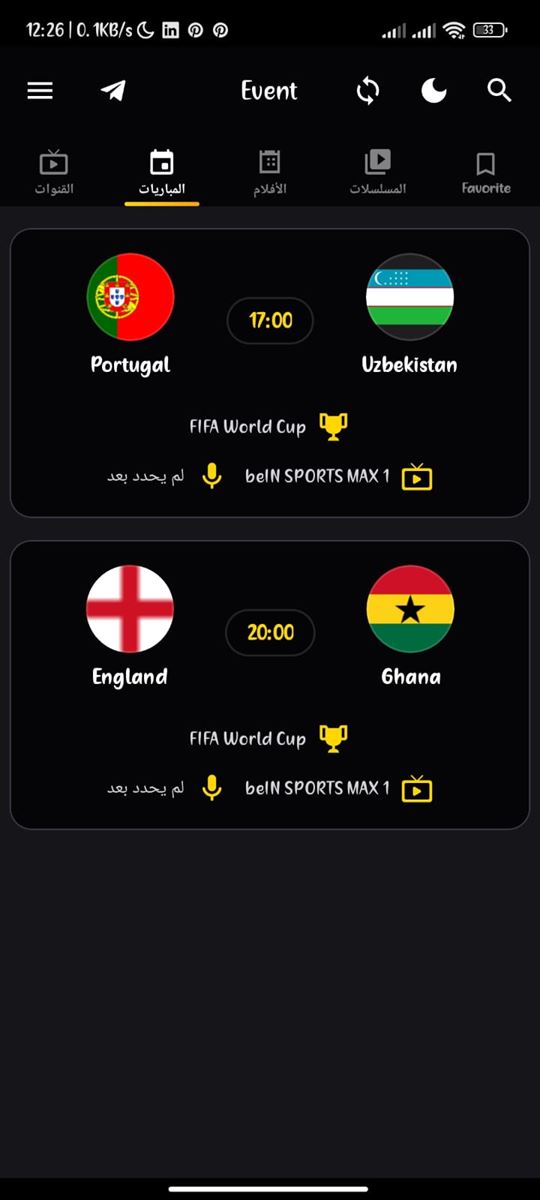
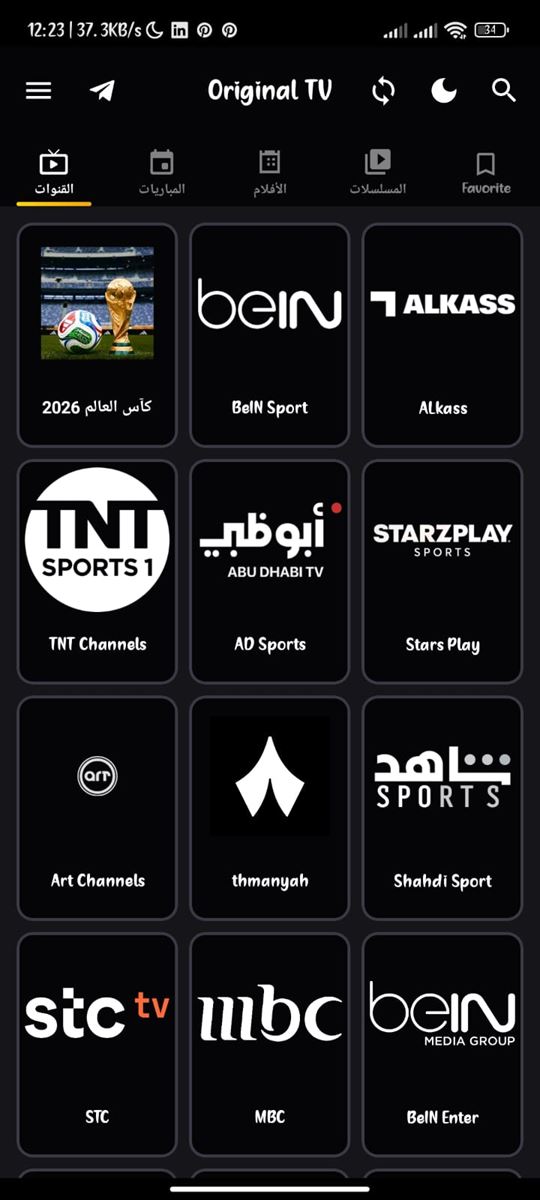
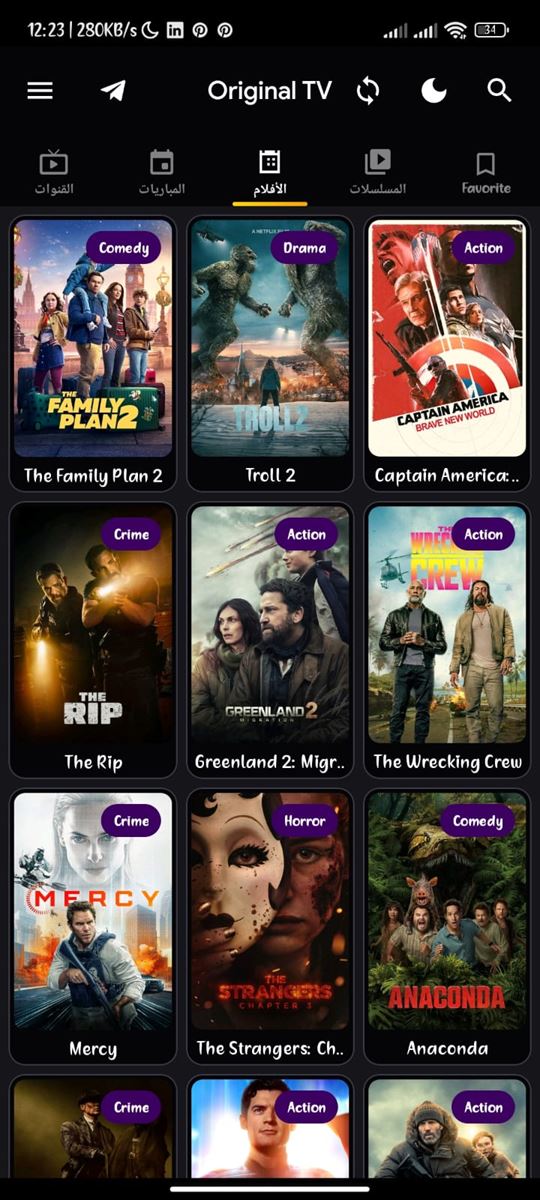
Original TVToday's Matches, Movies & Arabic TV in up to 4K
Original TV is a free Android streaming APK. It features dedicated versions for Phones and Tablets running Android 5.0+, and for Android TV Box & Amazon Fire Stick running Android TV 7.0+. Powered by Original Player for seamless video playback.
Only download APK files from this official website or via code 5259044. Safe APK download guide
Installation Guide
Follow the simple step-by-step instructions for your device.
Install on Phone & Tablet
Download Phone APK and Open File
Click "Download for Phone" above. If Android prompts to allow installation from unknown sources, toggle permission to ON and proceed.
Install Original Player
Download and install the Original Player companion APK. It is required to play live stream feeds inside the app.
Open Original TV and Start Watching
Launch the app, pick a live football match, TV channel, or movie, and enjoy 4K streaming.
Install on Smart TV & Fire Stick
Install AFTVnews Downloader App
Search and install the free "Downloader" app from the Amazon Appstore or Google Play Store.
Enter Official Download Code
Open Downloader, type code 5259044 into the URL field, and press Go.
Install Original TV & Original Player
After the download finishes, install the Original TV APK. When prompted to install Original Player, select Install.
Launch App and Enjoy Streaming
Navigate easily using your TV remote to explore live matches, sports, and international channels.
Do not skip installing Original Player. It ensures smooth, buffer-free playback across all streams.
Original TV Key Features
24/7 Live TV Channels
Sports, news, entertainment, and documentary channels streaming around the clock.
Movies & On-Demand Series
VOD library packed with the latest Arabic, English, and international blockbusters.
Major Global Football Events
Never miss UEFA Champions League, Premier League, La Liga, and international fixtures.
Up to 4K Ultra HD Quality
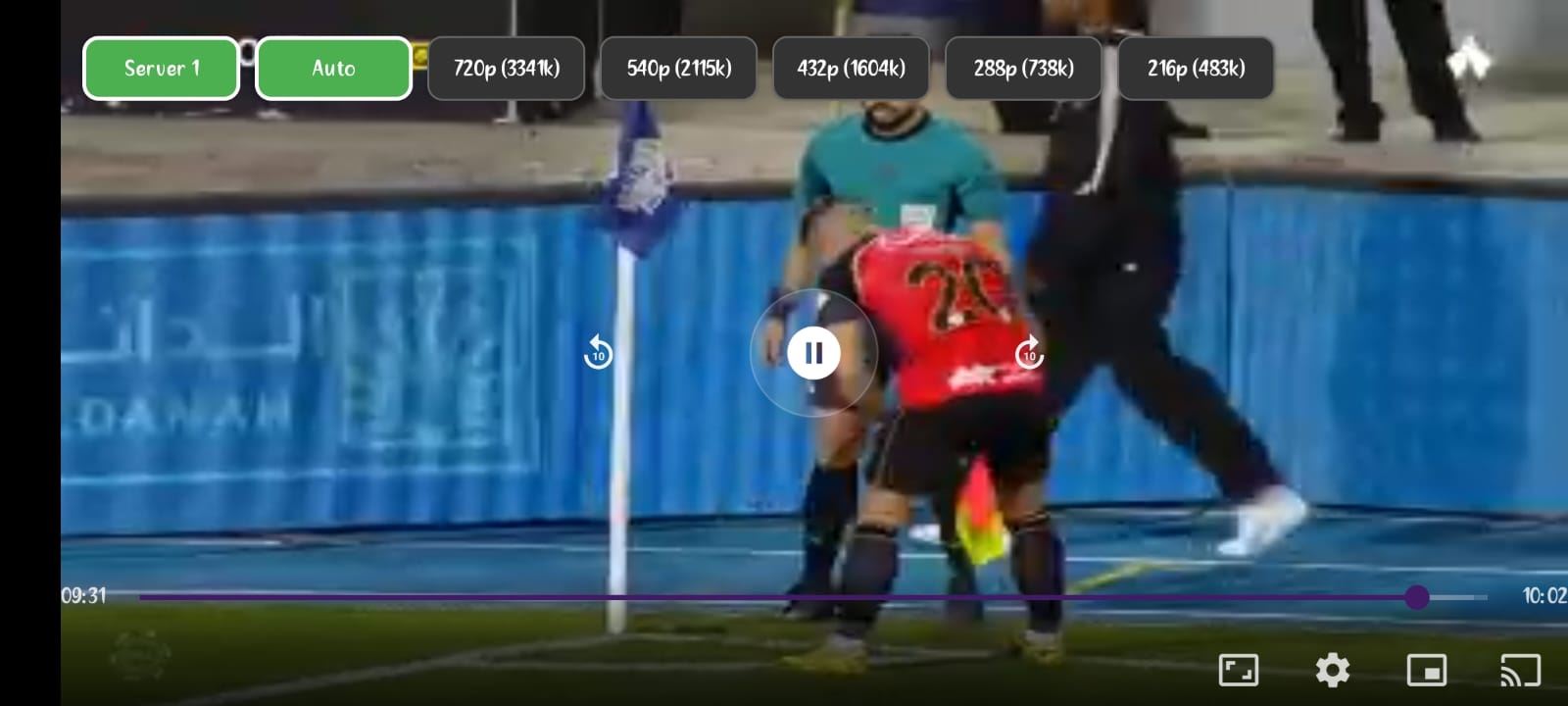
Multiple adaptive bitrate quality options (4K, 1080p, 720p) tailored to your connection speed.
Smart TV, Fire Stick & Phone Support
Optimized builds for Android TV Box, Fire Stick, smartphones, and tablets.
100% Free & No Registration
Zero subscription fees, no accounts required, and frequent updates for high reliability.
About Original Player
Original Player is a specialized external video engine designed to integrate with Original TV. It delivers advanced hardware acceleration, supports modern HLS & MPEG-TS stream formats, and provides DRM content handling for maximum reliability.
4K Support
DRM Decoding
Low Latency
Hardware Acceleration
User Reviews
"Best streaming app for live football! Ultra HD streams without buffering. Highly recommended to sports fans."
David M. ★★★★★
"Works seamlessly on my Amazon Fire Stick. Fast channel switching, excellent video quality, and great support."
Alexander K. ★★★★★
"Super easy to install using the Downloader code 5259044. Has all the channels and matches I need."
Sarah T. ★★★★★
Help Guides & Tutorials
Quick solutions to common questions and complete installation walkthroughs.
Yes, Original TV is completely free and does not require a subscription or registration. You can install it on any Android, Smart TV, or Fire Stick device using the Downloader app and code 5259044. After installing Original Player, you can immediately start streaming.
Do I need to install Original Player?
Yes, Original Player is a mandatory video playback engine required to stream live matches and channels inside Original TV. When prompted, install the player to ensure lag-free streaming without technical issues.
How do I use the Downloader code 5259044?
First, install the AFTVnews Downloader app from the Amazon Appstore or Google Play Store. Open Downloader, enter code 5259044 in the URL input field, and click Go to download and install Original TV.
Can I watch live football matches in 4K quality?
Yes, Original TV supports 4K streaming when the broadcast source is available in Ultra HD. If your internet connection is slower, you can easily switch to 1080p or 720p inside the app to eliminate buffering.
Join Our Community & Support Channel
Get instant updates, match announcements, and technical support on Telegram.